Discover everything about Emoji Mac, from meanings and copy-paste ideas to aesthetic combinations, Mac keyboard shortcuts, and the latest emoji trends in 2026.
Have you ever wanted to send the perfect emoji from your Mac but couldn’t find it? You’re not alone.
Many people use emojis every day to make messages feel warmer, funnier, or more personal if you’re chatting with friends, replying to work emails, posting on Instagram, or creating TikTok captions, emojis help express emotions that words sometimes cannot.
Mac computers make using emojis simple, but many users don’t know all the hidden tricks. Some wonder why emojis look different on other devices, while others search for stylish emoji combinations they can instantly copy and paste.
This guide answers all those questions in one place. You’ll learn what Emoji Mac means, how to access emojis on your Mac, the best copy-and-paste emoji combinations.
Aesthetic ideas for social media, common problems with easy fixes, and the emoji trends everyone is talking about in 2026 by the end, you’ll use emojis faster, smarter, and with more confidence.
What does Emoji Mac mean?
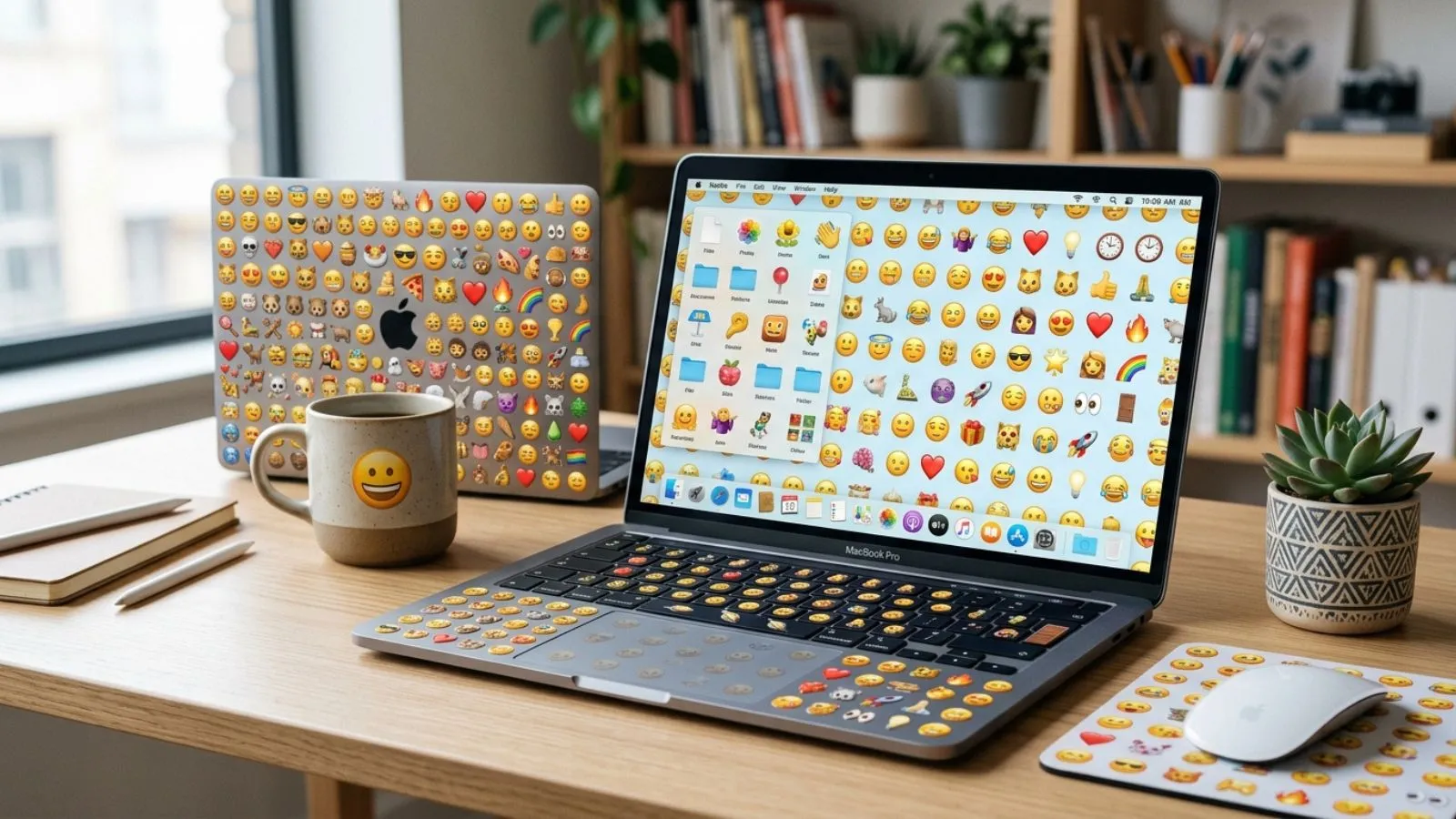
Emoji Mac refers to using emojis on Apple Mac computers through the built-in Emoji & Symbols viewer. Instead of downloading extra software, Mac users can quickly insert emojis into messages, documents, emails, notes, and social media posts.
The easiest keyboard shortcut is:
Control + Command + Space
This opens the emoji picker almost anywhere you can type.
Mac emojis follow Apple’s design style. They often look slightly different from Android, Windows, or Samsung emojis, but the meaning usually stays the same.
For example:
- 😊 Friendly smile
- ❤️ Love and care
- 😂 Laughing hard
- 👍 Approval
- 🎉 Celebration
How to use Emoji Mac emojis
Using emojis on a Mac is simple.
- Place your cursor where you want the emoji.
- Press Control + Command + Space.
- Browse or search for an emoji.
- Click the emoji to insert it.
You can also:
- Add emojis to emails
- Use them in Pages or Microsoft Word
- Post them on Instagram
- Reply to WhatsApp Web messages
- Chat in Slack or Discord
- Use them in Notes and Messages
Real-life example
Instead of writing:
“I’m excited.”
Try:
“I’m excited! 🎉😁”
It feels more personal and engaging.
Best emoji combinations for copy paste
Here are ready-to-use emoji combinations.
| Purpose | Emoji Combination |
|---|---|
| Happy | 😊✨🌸 |
| Love | ❤️🥰💖 |
| Cute | 🐻🌷🤍 |
| Aesthetic | ☁️🌙✨🤍 |
| Study | 📚☕📝 |
| Gaming | 🎮🔥🏆 |
| Travel | ✈️🌍📸 |
| Food | 🍕😋🍟 |
| Celebration | 🎉🥳🎂 |
| Good Morning | ☀️🌸😊 |
Copy and paste them directly into your messages or captions.
Aesthetic emoji ideas for social media
Aesthetic emojis help make captions look clean and attractive.
Popular combinations include:
- ☁️✨🤍
- 🌙🖤⭐
- 🌸🍃🤍
- 🕊️🤍🌿
- 💫📖☕
- 🎀🩷✨
- 🌊🐚☀️
- 🍂🤎📚
Example Instagram bio:
✨ Dream Big ☁️
🌸 Stay Positive 🤍
📍Living My Story 🌎
Example TikTok caption:
POV: Living your best life ✨🌸🤍
Example WhatsApp status:
Good vibes only 🌞✨💛
Common problems and solutions
Sometimes emojis do not work as expected.
| Problem | Solution |
|---|---|
| Emoji picker won’t open | Restart the app or Mac |
| Missing new emojis | Update macOS |
| Different emoji appearance | This is normal across platforms |
| Black-and-white emoji | Update fonts or operating system |
| Emoji not sending | Check internet or app compatibility |
If someone using Android receives your emoji, it may look different, but the intended meaning usually remains the same.
Trending emoji usage in 2026
In 2026, people continue using emojis to create shorter, more expressive conversations.
Popular trends include:
- ✨ Minimal aesthetic captions
- 🤍 Soft-life lifestyle posts
- 😂 Funny reaction chains
- 💀 Used to mean “that’s hilarious”
- 🫶 Showing appreciation
- 🥹 Emotional gratitude
- 🔥 Trending achievements
- 🌱 Growth and self-improvement
- 🎀 Cute and feminine content
- 🚀 Success and motivation
Many creators combine only three to five emojis for a cleaner and modern look.
FAQs
What is Emoji Mac?
Emoji Mac refers to using Apple’s built-in emoji keyboard and symbols on macOS devices.
What is the Mac emoji shortcut?
Press Control + Command + Space to open the emoji picker.
Why do Mac emojis look different?
Apple designs its own emoji style, while Android, Samsung, and Windows use different artwork.
Can I copy and paste emojis on Mac?
Yes. You can copy emojis from websites or the emoji viewer and paste them anywhere.
Do Mac emojis work on social media?
Yes. They work on Instagram, TikTok, Facebook, WhatsApp, X, Discord, and most modern apps.
How do I get the newest emojis?
Update your Mac to the latest version of macOS to access newly released emojis.
Conclusion
Emoji Mac makes everyday communication faster, friendlier, and more expressive with the built-in emoji keyboard, you can instantly add personality to emails, messages, documents, and social media posts without installing extra apps.
If you want quick copy-and-paste emoji combinations, aesthetic Instagram captions, or the latest trending emojis of 2026, Mac offers an easy and enjoyable experience.
Even if emojis appear slightly different on Android or Windows devices, their meaning usually stays the same, helping you connect with people everywhere.
Learning a few keyboard shortcuts and creative emoji combinations can make your conversations more engaging and memorable.
From casual chats to professional communication, the right emoji adds emotion where words sometimes fall short.
Start exploring the emoji picker today, save your favourite combinations, and use Emoji Mac to make every message brighter, more expressive, and uniquely yours.