Turn ordinary Mac typing into expressive messages with one simple keyboard shortcut.
You are typing a message on your Mac when you suddenly want to add an emoji instead of opening your phone searching for the emoji or copying one from a website there is a much faster way.
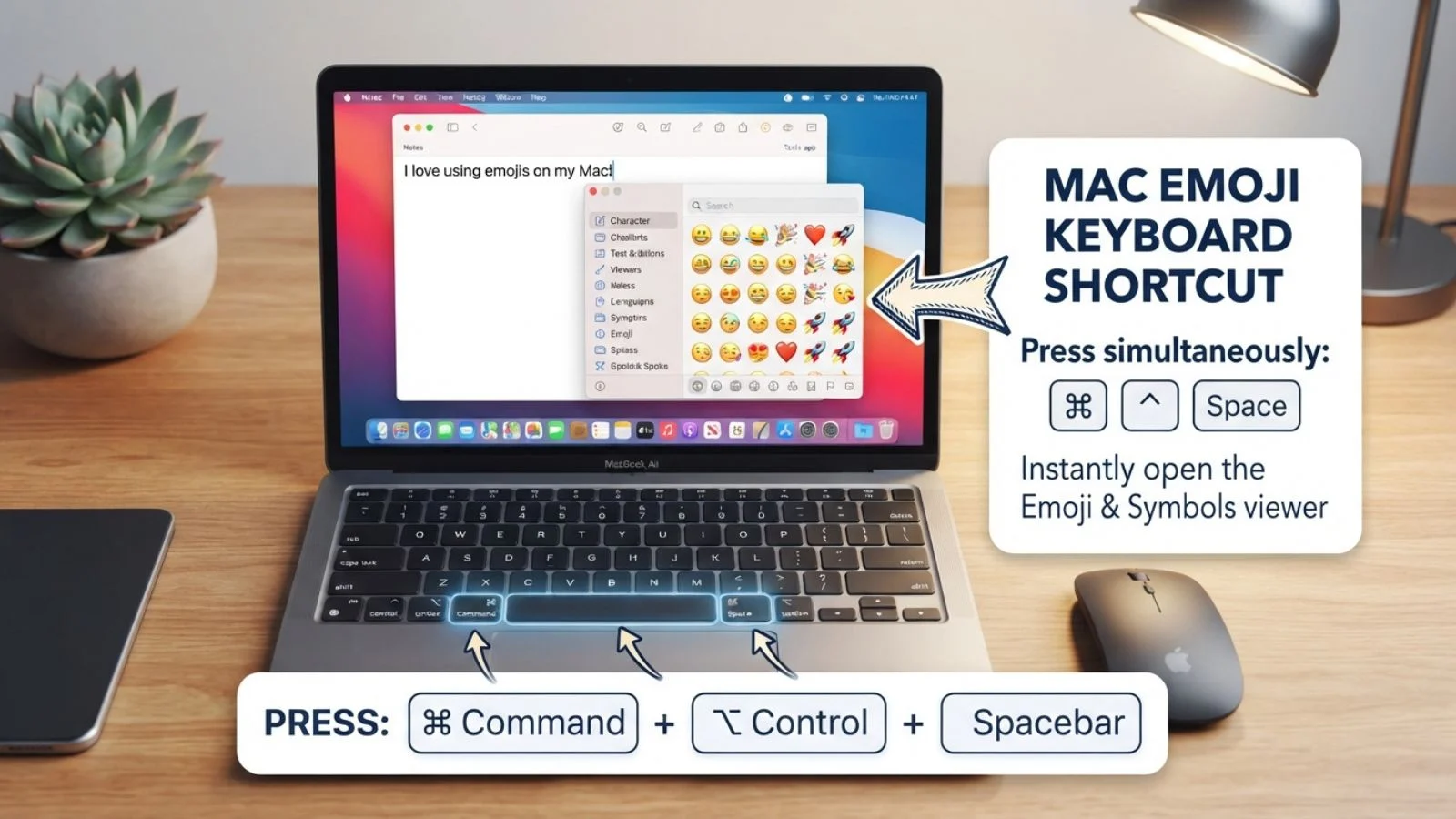
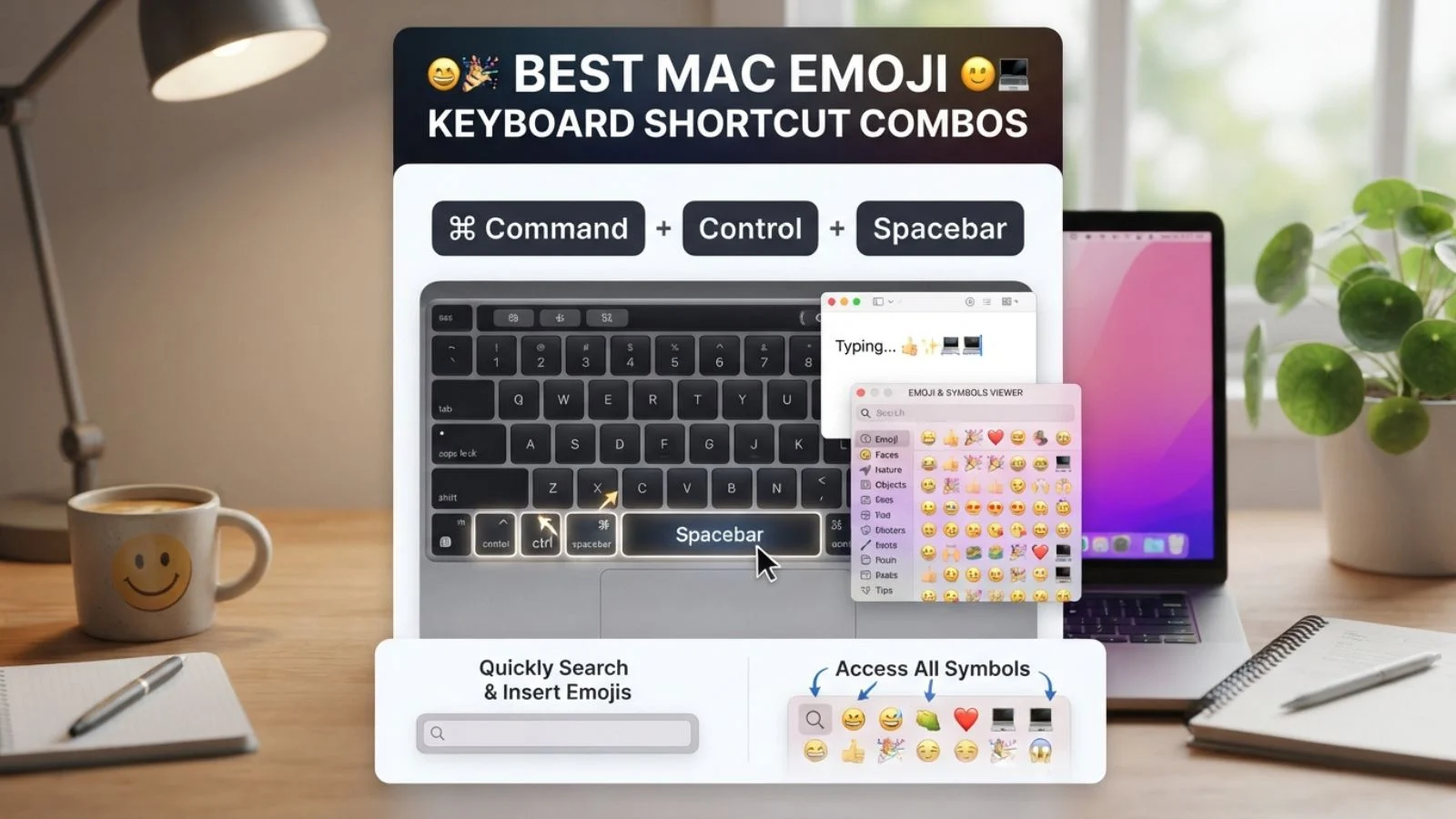
The Mac emoji keyboard shortcut lets you open the built-in character viewer and insert emojis directly into messages, documents captions and searches.
If you use WhatsApp emojis, Instagram emojis or casual TikTok comments, this shortcut makes adding your favorite symbols quick and natural.
One shortcut can turn plain Mac text into a much more expressive conversation.
What do Mac Emoji Keyboard Shortcut mean?
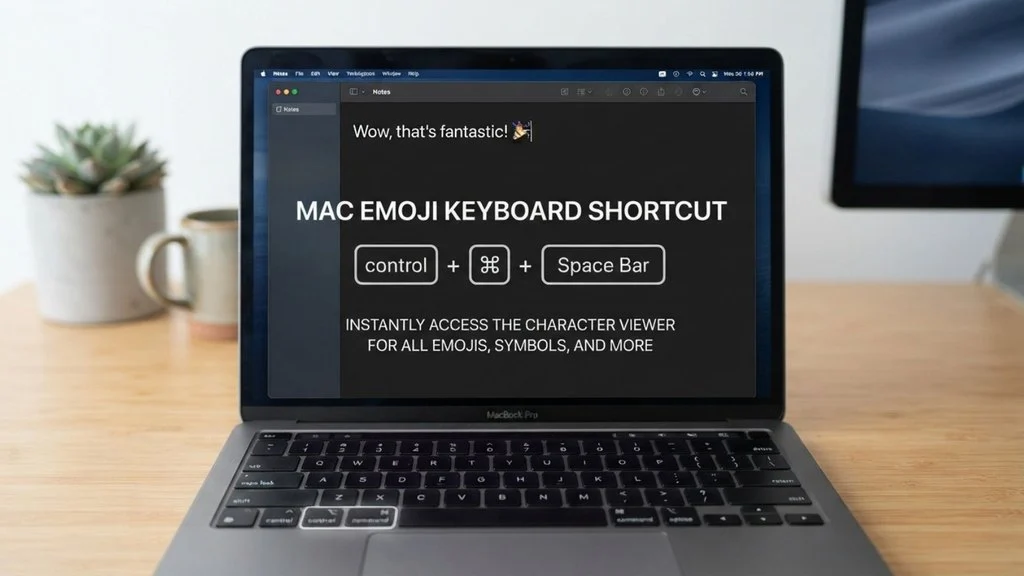
The Mac emoji keyboard shortcut is commonly used to open Apple’s Character Viewer while typing. On most modern Macs pressing Control + Command + Space brings up the emoji and symbols panel.
From there you can search for an emoji, browse categories and click the one you want to insert. You can also use the emoji search field when you know the emotion or object you need but do not remember its exact name.
For everyday conversations a small collection of familiar emojis can cover many situations. The context still matters because the same emoji may feel casual, affectionate , enthusiastic or humorous depending on the surrounding words.
| Emoji | Core meaning | Misread as | Best used when |
| 😊 | Warm happiness | Forced politeness | Friendly messages |
| 😂 | Strong amusement | Sarcasm | Funny conversations |
| ❤️ | Love and affection | Romantic commitment | Personal or heartfelt messages |
| 👍 | Approval or agreement | Dismissive reply | Quick confirmation |
| 😍 | Admiration or delight | Overly romantic | Compliments and excitement |
| 🔥 | Excitement or praise | Literal fire | Hype and compliments |
Emoji Cards
😊 Smiling Face
Meaning: Warm happiness, friendliness and positive emotion.
Example 1: So happy to see you 😊
Example 2: Thanks for helping me 😊
😂 Face with Tears of Joy
Meaning: Strong amusement or laughter at something funny.
Example 1: That video was hilarious 😂
Example 2: I can’t stop laughing 😂
❤️ Red Heart
Meaning: Deep love, affection and emotional connection.
Example 1: I miss you ❤️
Example 2: You are my everything ❤️
👍 Thumbs Up
Meaning: Approval agreement or a simple acknowledgment.
Example 1: Sounds good 👍
Example 2: I finished the task 👍
😍 Smiling Face with Heart-Eyes
Meaning: Strong admiration, delight or attraction.
Example 1: This photo is amazing 😍
Example 2: That outfit looks perfect 😍
🔥 Fire
Meaning: Excitement, praise intensity or something impressive.
Example 1: Your new post is 🔥
Example 2: That performance was 🔥
🎉 Party Popper
Meaning: Celebration excitement and a festive moment.
Example 1: We finally did it 🎉
Example 2: Happy birthday 🎉
✨ Sparkles
Meaning: A decorative touch that can add excitement, magic or emphasis.
Example 1: New look ✨
Example 2: Weekend vibes ✨
🥰 Smiling Face with Hearts
Meaning: A tender affectionate or emotionally touched feeling.
Example 1: That message was so sweet 🥰
Example 2: You made my day 🥰
🙏 Folded Hands
Meaning: Gratitude, appreciation , hope or a respectful request.
Example 1: Thank you so much 🙏
Example 2: Please wish me luck 🙏
How to use Mac Emoji Keyboard Shortcut the right way
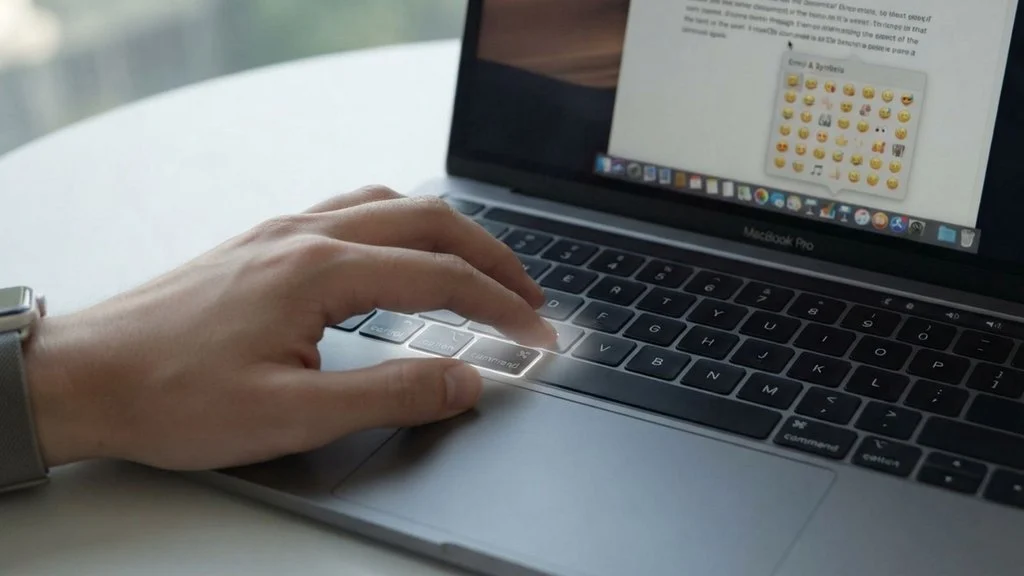
On a Mac place your cursor where you want the emoji then press Control + Command + Space. The Character Viewer should appear allowing you to browse or search for the emoji you need.
You can also access the viewer through the menu bar on supported macOS versions. If the shortcut does not work check your keyboard settings and macOS version because available options can vary.
WhatsApp: Use the shortcut when writing personal messages, group chats or quick replies. Emojis can make short messages feel less cold and more expressive.
Instagram: Emojis work especially well in captions, profile text comments and branding. A simple combination can give a post a cleaner visual personality without filling every line with symbols.
TikTok: Keep emoji natural and playful. They can support humor reactions, trends or irony especially when the written caption already carries the main joke.
Dos:
- Use the shortcut when you want an emoji without leaving your Mac.
- Search by words when you cannot find an emoji quickly.
- Match emoji to the tone of your message.
- Keep combinations readable.
Don’ts:
- Do not overload professional messages with emojis.
- Avoid using an emoji when its context could confuse the reader.
- Do not assume every platform displays the same design.
Best Mac Emoji Keyboard Shortcut Combos Copy & Paste
Romantic
❤️🥰 Add warmth to a sweet message.
😍❤️ Use with an affectionate compliment.
❤️✨ Add a soft polished touch to a romantic text.
Cute
😊✨ Works for a cheerful lighthearted message.
🥰😊 Great for a sweet response.
✨🥰 Adds a gentle affectionate feel.
Flirty
😍🔥 Used for a playful compliment.
🥰❤️ Works well in a warm personal message.
😊😍 A simple combination for showing interest.
Missing someone
❤️🥰 Send a soft message when someone is on your mind.
🙏 ❤ ️ Works with a heartfelt message to someone special.
😊❤️ Adds warmth to a simple “thinking of you” text.
Good night
🥰✨ A gentle way to end the evening.
❤️✨ Pair with a warm good-night message.
😊🙏 Works for a peaceful friendly farewell.
Trending Mac Emoji Keyboard Shortcut in 2026
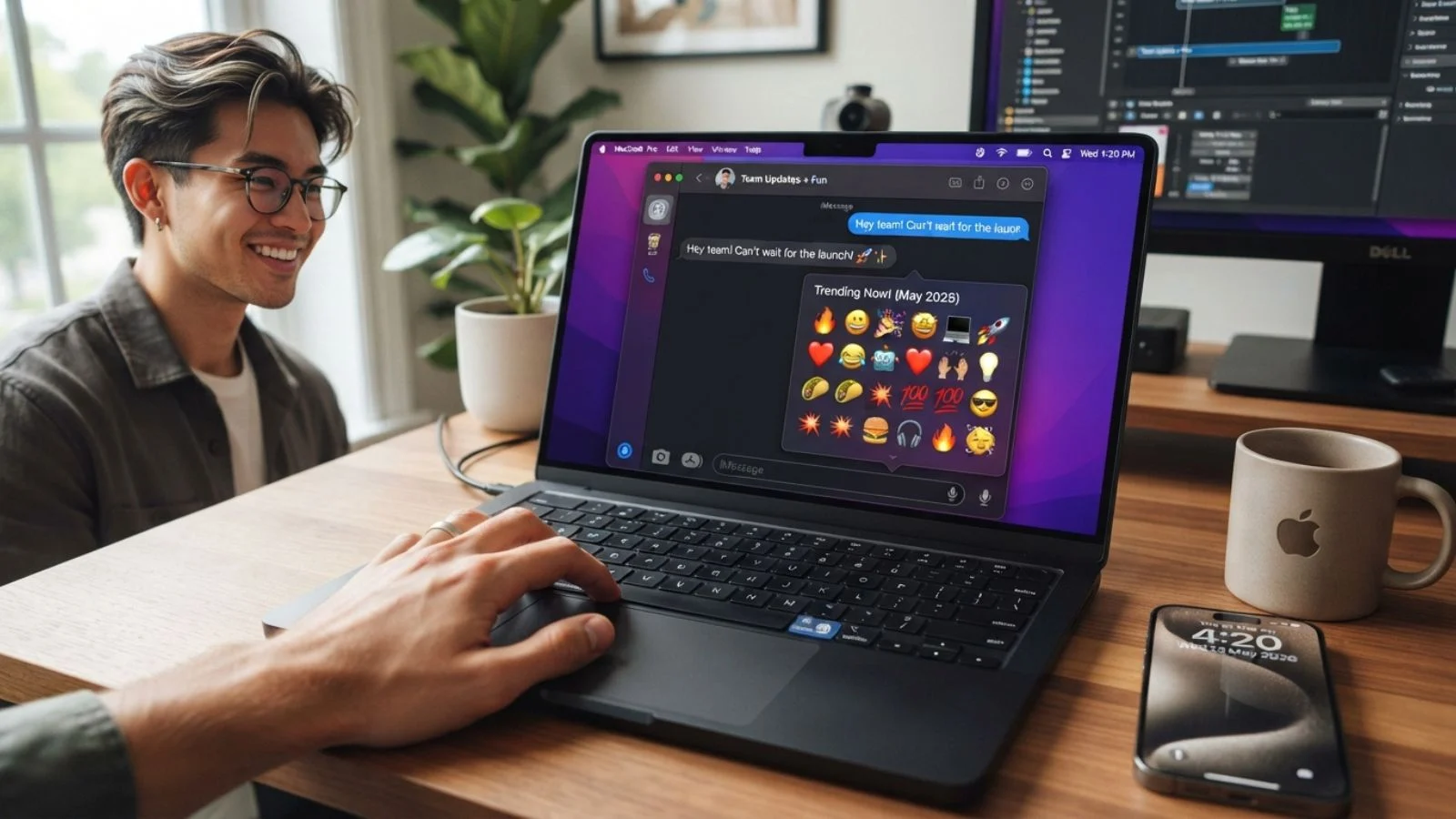
In 2026 emojis continue to be used as quick visual cues across messages captions, comments and short-form content. Mac users can quickly access familiar symbols without switching devices which makes the Character Viewer especially useful during everyday writing.
Some of the same emojis remain particularly flexible because they fit several conversational styles. Content creators may use them in captions and comments while younger users and casual texters often mix them into short reactions.
| Emoji | Why trending | Who uses it | Platform |
| ✨ | Adds visual emphasis to short text | Creators and casual users | Instagram TikTok |
| ❤️ | Fits personal and expressive posts | General users | WhatsApp Instagram |
| 😂 | Useful for quick humorous reactions | Casual users and creators | TikTok WhatsApp |
| 🔥 | Works naturally with hype and praise | Creators and viewers | TikTok Instagram |
The way people combine familiar emojis with text continues to evolve as online conversations become increasingly visual.
FAQ
1. What is the most popular Mac Emoji Keyboard Shortcut?
The most commonly used shortcut on Mac is Control + Command + Space. It opens the Character Viewer so you can search for and insert emojis while typing.
2. What does ❤ ️ mean from a girl or boy?
Its meaning depends on the relationship and conversation. It can communicate affection, warmth , appreciation or romantic feelings so the surrounding message matters.
3. Why do emojis look different on iPhone vs Android?
Different operating systems and platforms use their own emoji artwork and design choices. The underlying Unicode character is generally the same but its visual appearance can change.
4. Are Mac Emoji Keyboard Shortcuts used differently in other countries?
The shortcut itself is a Mac input method but emoji interpretation can vary by culture and context. A symbol that feels casual in one place may carry a different social nuance elsewhere.
Conclusion
The Mac emoji keyboard shortcut makes everyday typing faster by keeping emojis only a shortcut away.
Once you know how to open the Character Viewer you can add personality to messages captions and comments without leaving your Mac.
Use emojis naturally match them to the conversation and let your words remain the main message.